5 Easy Steps for Individual
Get Your Medical Imaging in 3D – Faster, Smarter, and More Interactive
Step 1
Step 1
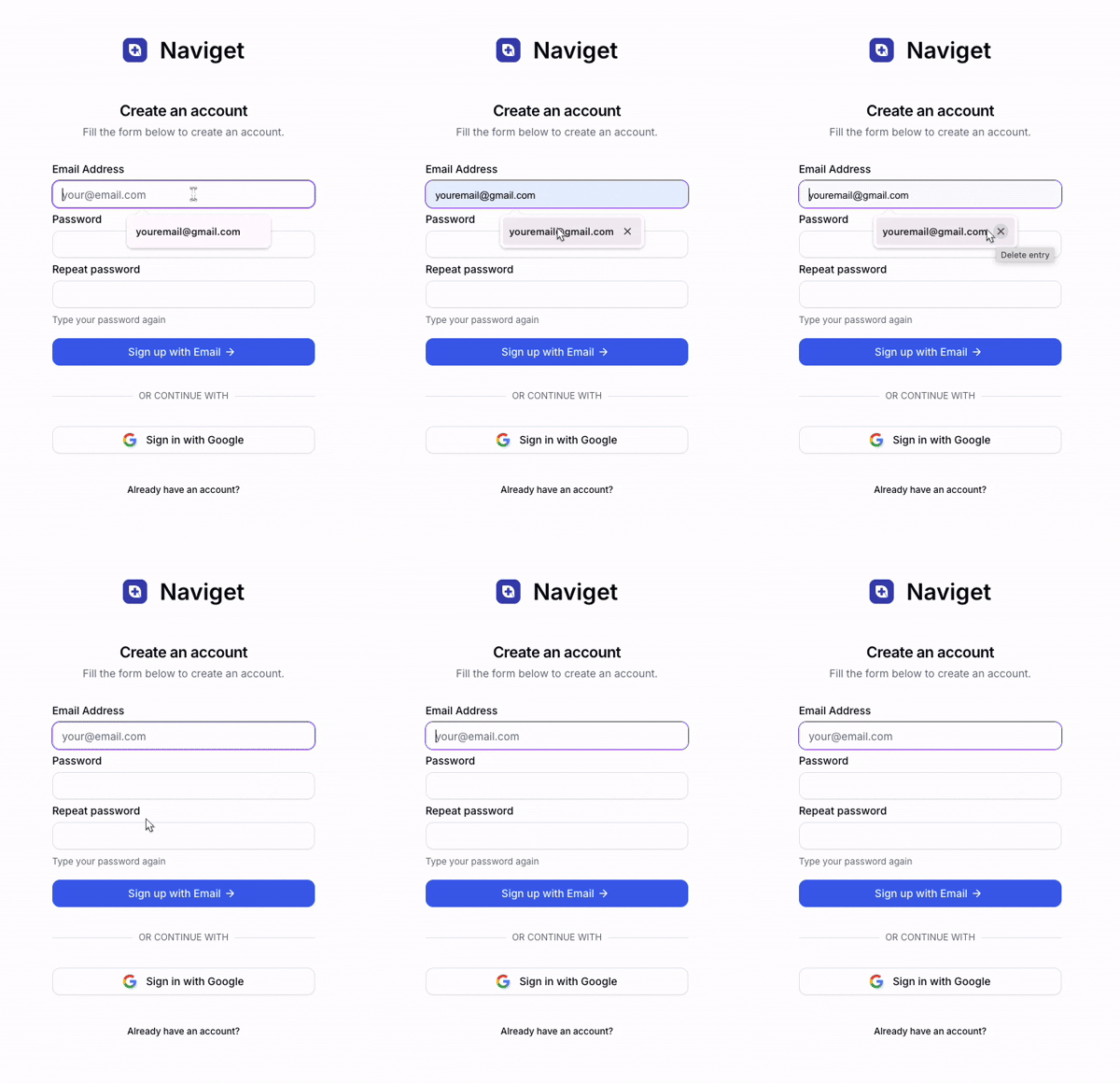
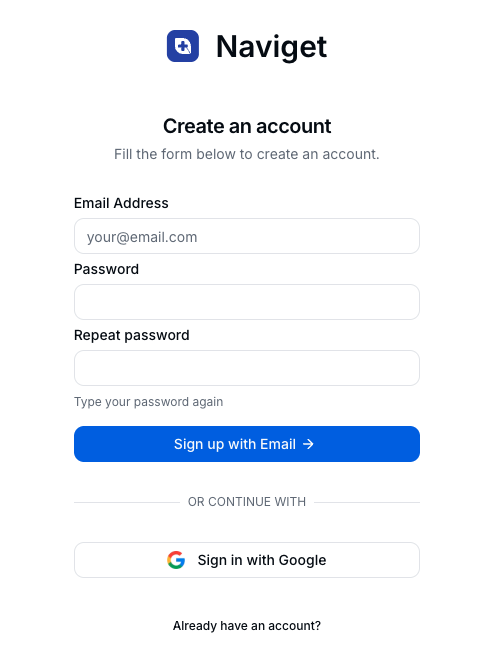
Visit the Naviget website and click on the "Sign Up" button. You can sign up using your email address or through a third-party authentication service. After signing up, verify your email to activate your account.
Step 2
Step 2
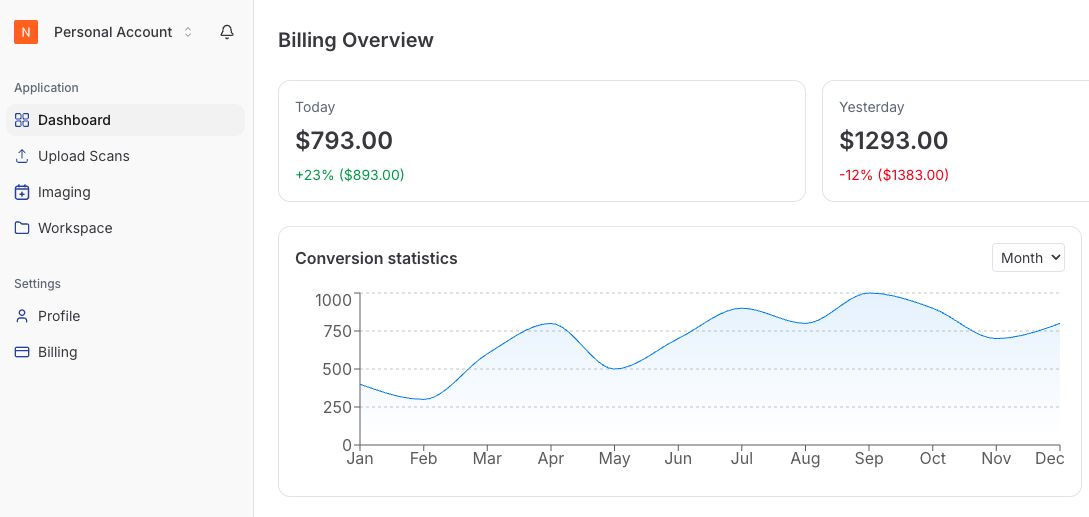
After successful registration, log in to your account using your credentials. You will be redirected to the dashboard where you can manage your uploaded MRI DICOM files and track the progress of processing.
Step 3
Step 3
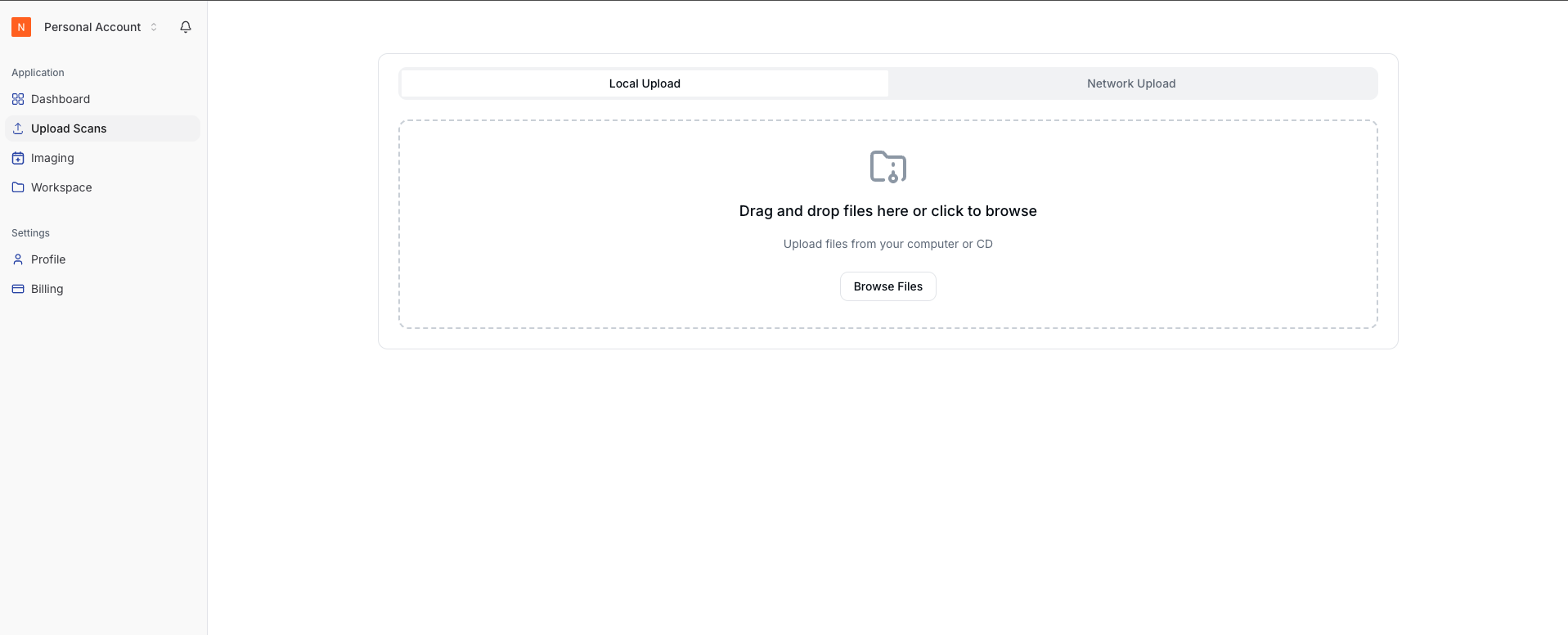
To upload your MRI DICOM files, click on the "Upload" button on the dashboard. Choose the files from your local storage and make sure they follow the required format. Once uploaded, the system will begin processing the files into high-fidelity 3D models.
Step 4
Step 4
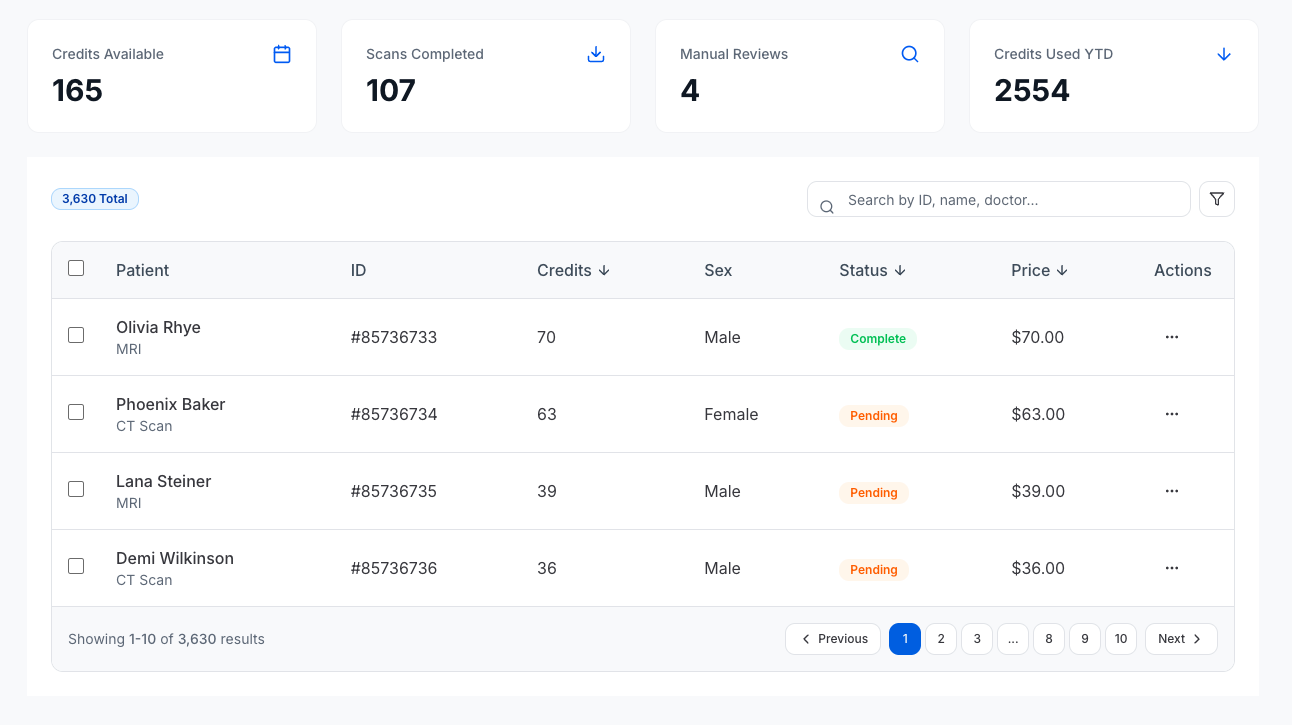
Once processing is complete, your 3D models will be available for visualization. You can rotate, zoom, and isolate different anatomical layers to study the MRI data more effectively.
Step 5
Step 5
You can download the processed 3D models or share them with your medical team directly from the platform. Click on the "Download" button or use the sharing options available on the dashboard.